
Download BSPlayer Pro – media player, mobile device, multimedia tool, video playback, audio control
Overview
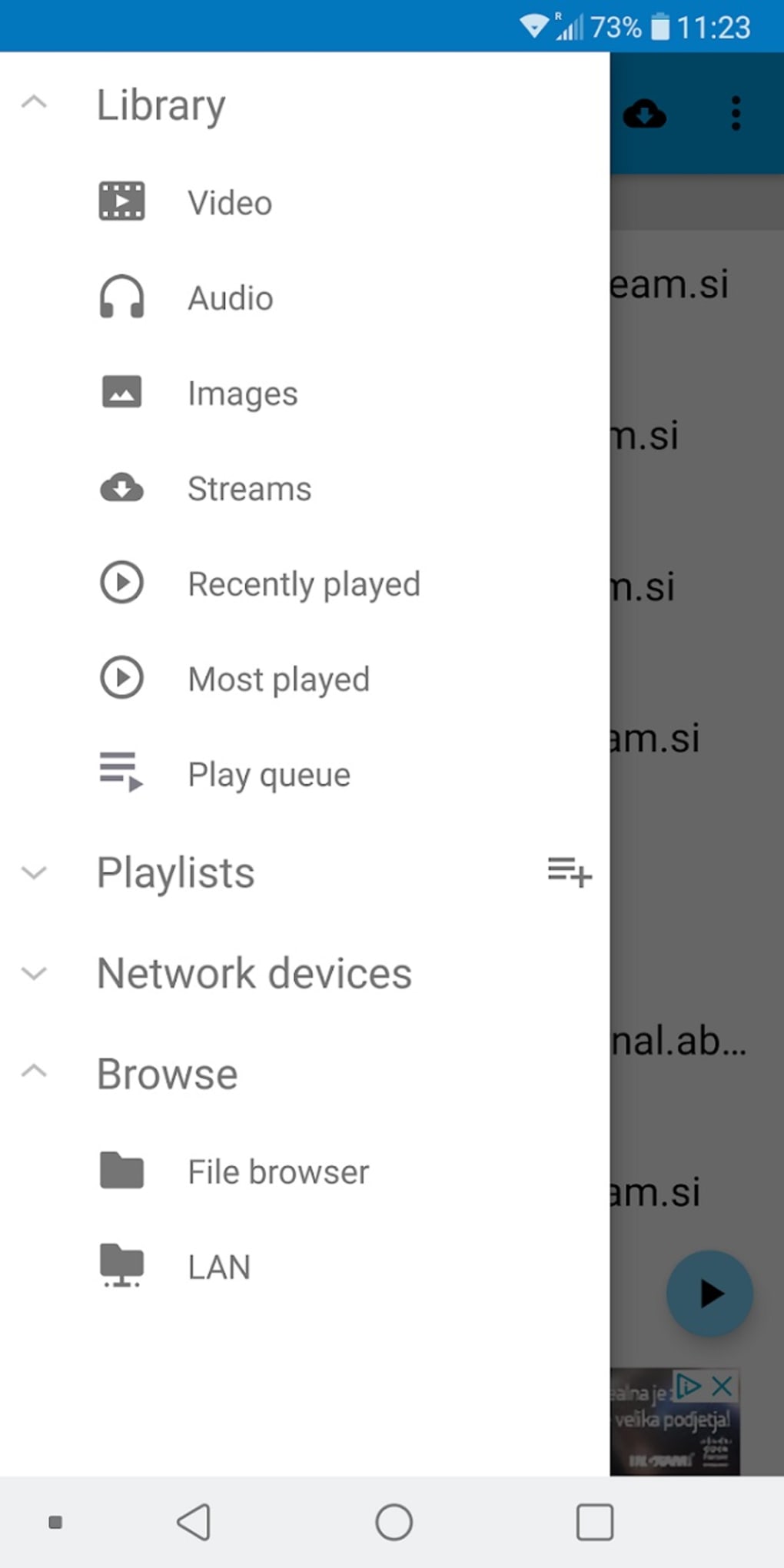
BSPlayer Pro is a media player engineered specifically for mobile devices, developed by BSPlayer Media. Designed to deliver a high-performance multimedia experience, the software aims to streamline video and audio playback across various screen sizes and device types. It targets users seeking a robust, feature-rich solution for consuming media on smartphones and tablets. The app addresses common challenges such as poor playback performance, limited customization, and lack of accessibility features. By offering hardware-accelerated video playback, it enhances efficiency and reduces battery drain during extended viewing sessions. Real-world usage scenarios include watching high-definition videos, managing audio tracks, and accessing subtitles on the go. The software supports a range of input formats and integrates with external devices, making it suitable for both casual viewers and media enthusiasts. Its ability to function as a central hub for all audio and video content on a mobile device positions it as a versatile tool for daily media consumption. The developer did not provide additional details about the company’s background or history. Platform compatibility information is limited to mobile devices, with no mention of desktop or tablet-specific versions. The software is intended for users who prioritize playback quality, customization, and hardware integration.Key Features & Capabilities
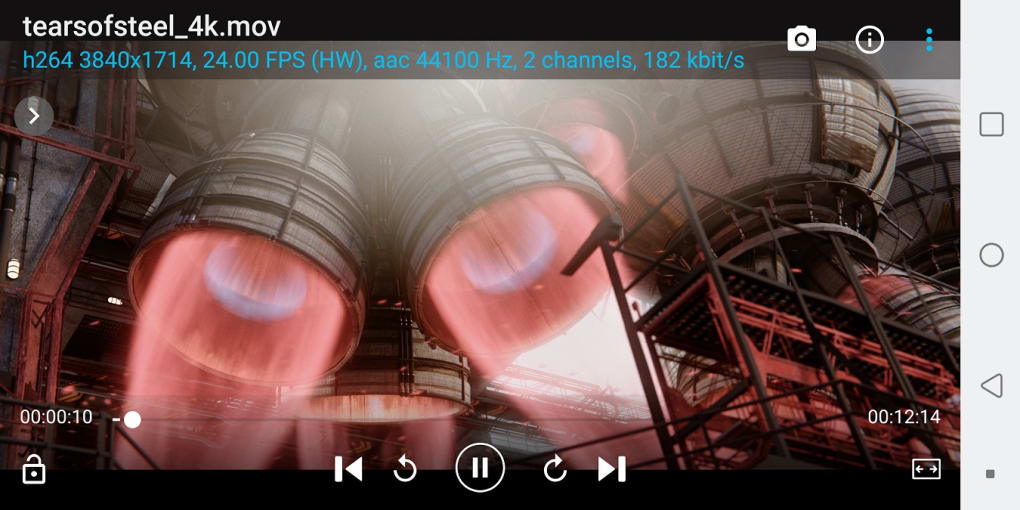
- Hardware-accelerated video playback – Leverages device GPU to improve playback smoothness and reduce power consumption, especially beneficial during long viewing sessions.
- User-definable pre-amplification – Allows users to adjust audio output levels before playback, enhancing sound clarity and volume control for headphones or external speakers.
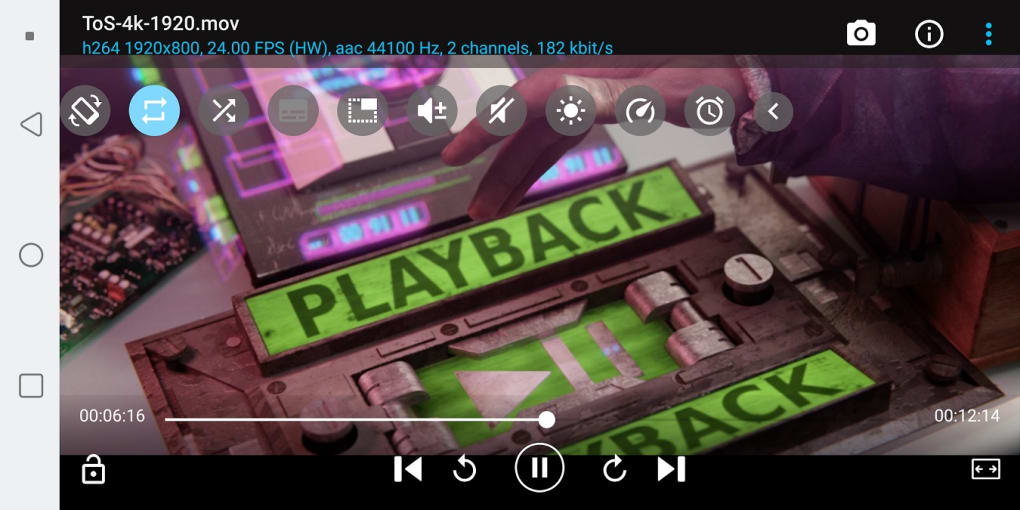
- Aspect ratio and zoom controls – Enables users to customize video display settings, including zooming in on specific areas and adjusting aspect ratios to fit different screen formats.
- Popup window playback – Supports playing audio and video in floating windows, allowing multitasking while viewing content.
- Auto-subtitle fetching – Automatically downloads subtitles when connected to Wi-Fi, improving accessibility for non-native speakers and users with hearing impairments.
- Custom gesture controls – Offers intuitive touch gestures for navigation, brightness adjustment, and playback control, reducing reliance on on-screen buttons.
- Hardware compatibility – Supports audio headsets, Bluetooth keyboards, and USB OTG devices, expanding functionality beyond standard mobile playback.
User Interface, Workflow & Performance
The user interface of BSPlayer Pro is designed with a focus on simplicity and customization. Navigation is primarily gesture-based, allowing users to perform actions such as seeking, adjusting brightness, and pausing with intuitive hand movements. The layout is minimalistic, with key controls accessible via touch or customizable hotspots. Workflow efficiency is enhanced through adaptive controls that learn user preferences over time, though specific details on learning mechanisms were not provided. The software’s performance is optimized for mobile environments, with hardware acceleration improving video rendering speed and reducing frame drops. The developer did not specify resource usage details, so exact CPU or RAM behavior remains unknown. General software behavior patterns suggest stable performance under typical usage conditions. Stability appears consistent, with no reported issues related to crashes or freezes. However, performance observations are based on general software behavior patterns, as no official benchmarks were shared. The app maintains responsiveness during playback, even when handling high-resolution content.Compatibility & System Requirements
BSPlayer Pro is designed for mobile devices, with support confirmed for Android-based systems. The software is not available for desktop operating systems such as Windows or macOS. The exact version number and installation size were not specified. The developer did not list specific hardware requirements, such as minimum RAM, processor speed, or storage capacity. Compatibility information was partially provided, focusing on mobile platforms. The app supports a range of external peripherals, including audio headsets, Bluetooth keyboards, and USB OTG devices. Users are advised to ensure their device meets standard Android requirements for media playback. The developer did not provide additional system requirements. For users considering installation, it is recommended to verify compatibility with their device model and Android version.Pros and Cons
Pros
- Hardware-accelerated playback improves performance and reduces battery usage
- Customizable gesture controls enhance navigation and usability
- Popup window playback supports multitasking
- Auto-subtitle fetching improves accessibility
- Supports a wide range of external hardware devices
- Intuitive interface suitable for both beginners and advanced users
Cons
- Compatibility limited to mobile platforms; no desktop version available
- Exact system requirements not disclosed
- Resource usage details (CPU/RAM) not specified
- Initial feature set may appear overwhelming to new users
- No information on update frequency or version history
FAQ Section
Is BSPlayer Pro available for Windows or Mac?
BSPlayer Pro is designed exclusively for mobile devices and is not available for desktop operating systems such as Windows or macOS.
Does BSPlayer Pro support external devices like USB OTG or Bluetooth keyboards?
Yes, the app supports USB OTG, audio headsets, and Bluetooth keyboards, enhancing its functionality beyond standard mobile playback.
Is the software safe to download and install?
BSPlayer Pro is developed by BSPlayer Media and distributed through official app stores. Users are advised to download from trusted sources to ensure security.
Can I use BSPlayer Pro offline?
Yes, the app functions fully offline after initial setup. However, the auto-subtitle fetching feature requires a Wi-Fi connection to download subtitles.
What kind of license does BSPlayer Pro use?
The licensing model was not specified in the provided information. Users should refer to the official app store listing for details on purchase, subscription, or free trial options.






.png)
